Distance Learning, School Closures, Digital eLearning….Your How To Connect with students online
Unexpected school closure got you panicked about distance learning, online teaching, digital learning, eLearning, and how to do it all! I’m here to help.
Let’s walk through the possible online platforms for online teaching, some great resources, and all the curriculum and connection ideas you can do from afar to be a stellar distance learning digital online teacher educator!
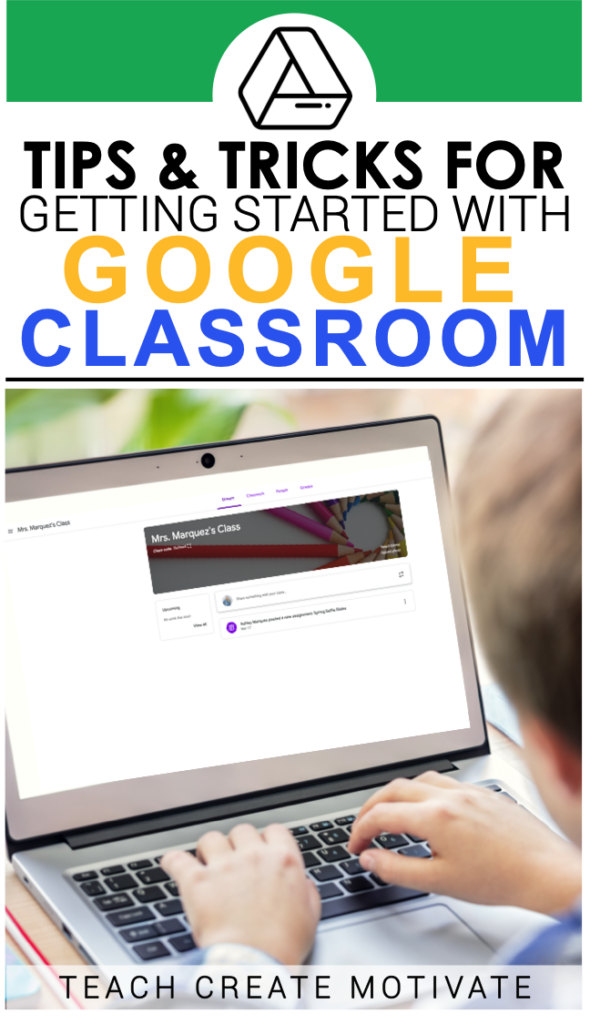
How to use Google Classroom
This Google Classroom Cheat Sheet – can show you beginner distance learning teachers WAY more than I could write and is easy to customize what you need to learn!

I also love this Getting Started with Google Classroom post for beginning or new online elementary teachers.
What Distance Learning Resources are the best?
What a loaded question I know! Digital learning might be completely new to you and so my answer is whatever you feel comfortable with!
Do not go and assign items willy-nilly. The best bet is to start small. Pick one subject and work to online or distance learning and then slowly add in resources as you feel more comfortable.
For example if you are a new to distance learning or a beginning online teacher these Google Forms are easy to assign and get feedback!

Starting with adding in some for reading along with independent reading is a good start.
Another tip is to start with only ONE TYPE of Google assignment as well. Get students used to Google Forms – easy to answer and collect and see results immediately but adding on Google Slides increases the student capacity and you as an online educator because you can do more things.

This Distance Learning April Fools Day Reading Passage uses text boxes for answers and whole passages and links for students to observe and use while still “turning” in to the teacher as well.
Super timely for elementary distance learning as it is such a great topic, super rigorous and sparks great discussion and comprehension!
How to connect with students virtual learning, distance learning, or because of a school closure
….cough cough…COVID-19
Here’s my list of ways to connect with students and keep engagement up while distance learning or eLearning or online teaching elementary or whatever term this will end up being labeled.

These ideas are meant to keep students engaged and provide EASY ways for you to deliver content through the this new digital learning distance learning happening today.
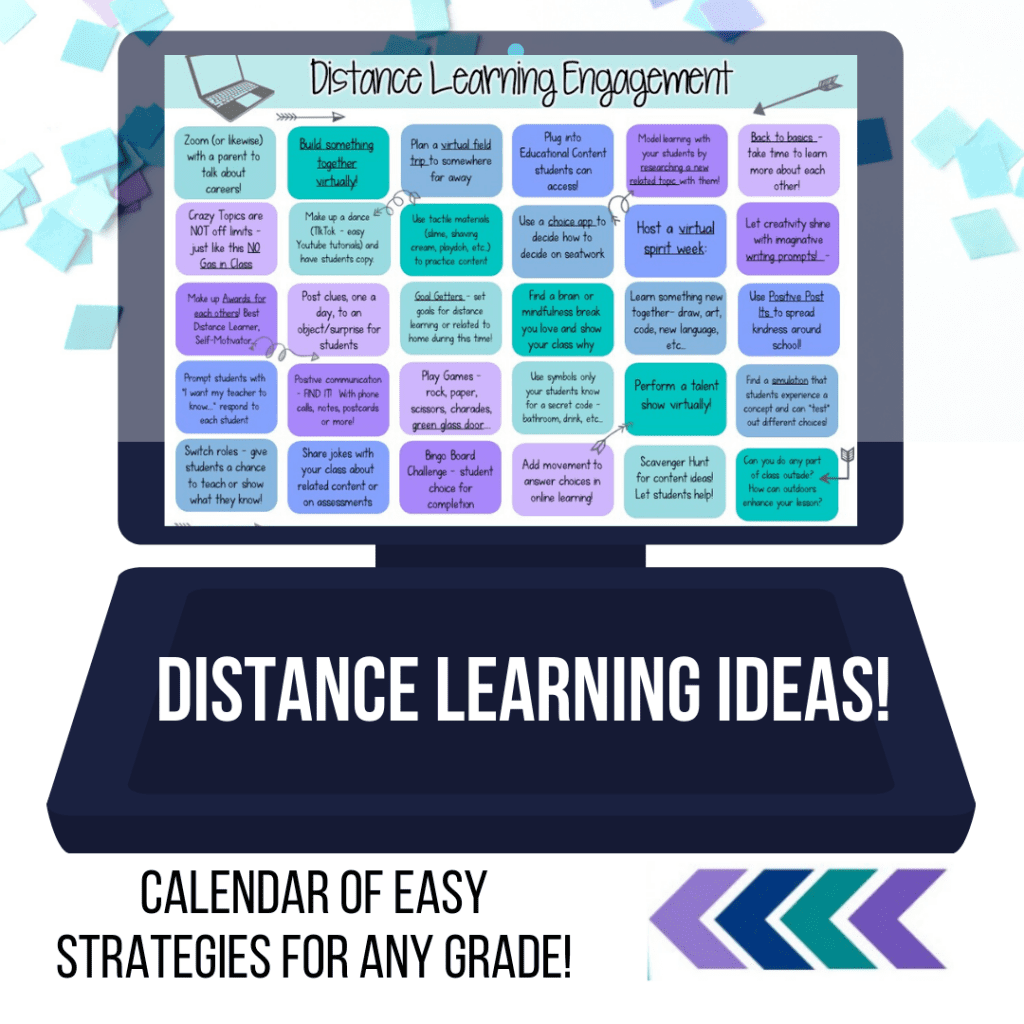
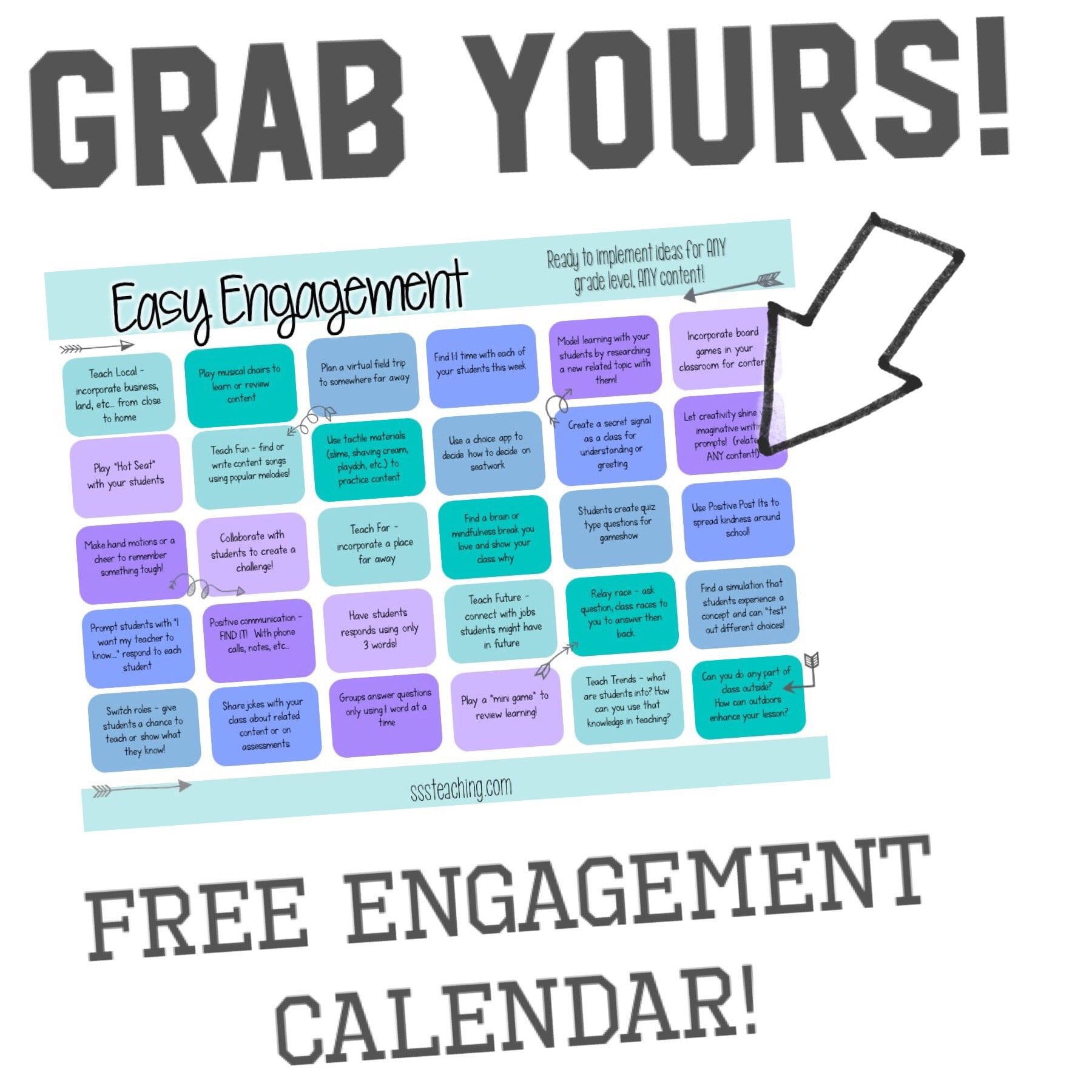
Grab your FREE Distance Learning Engagement calendar below! All the curriculum and connection one place for beginning online virtual distance learning teachers.

Digital Online Learning Curriculum Ideas
- Guest Speaker – Now is a perfect time to connect with a parent and learn about jobs and careers! Zoom, Skype, Google Hangout with a parent who is able to chat about what they do. Ask questions or chat and report about what students learned.
- Use Tactile Materials for at home learning – new vocabulary, sight words, comprehension and more – break out the shaving cream, playdoh, paint, watercolors. Students can take pictures of their creations to show the class!
- Plan a Virtual Field Trip together – no better time to research and learn!
- Use Bingo Boards for student choice when completing or showing mastery of a concept in online learning or especially elementary distance learning!
- Try adding some movement to class – if you are meeting face to face online (Zoom, Google Meet, etc…) ask students to do jumping jacks, pushups, or other exercises before answer questions to get up and moving – or tying into a box!
- Break up how work is done even at home with giving student fun options for elementary online learning.
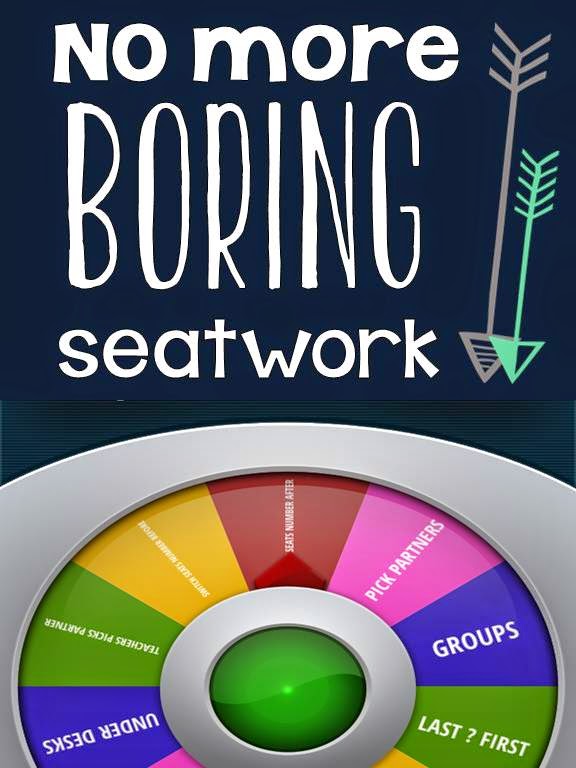
- Scavenger Hunt – have students collaborate on finding examples of content:
- quotation marks in articles
- types of leaves/plants
- genres of books they have
- traits they see from books/shows
- Plot Twist Writing makes for such a fun at home writing project. Students toggle on/off “plot twist” just like choose your own adventure writing.

- Use already made simulations! How easy are these for digital learning and modeling for online learning for students when you are navigating a new platform like Zoom, Google Classoroom or Google Hangout just stream and share screens and link for students to use as well.

- Use Wonderopolis as a great resource for distance learning. Research or learn something new to share with students and have them do the same!
- Online Learning for students is all about how they can master content. How about digital learners leading and showing what they know?! What can they report on from home to share with others or lead – chances are they have tons of material at home to share!

- Read about “crazy” topics when you are online learning. Student engagement is high and the silliness takes the edge off the environment. This one has great materials all ready to accompany!
- Try a challenge- give clues to an object or writing and have students guess but only give one clue a day!
- Use Tons of FREE websites, apps, or services sent to your students to during a time of distance learning for students.
Distance Learning Student Connection Ideas
- Learn a Tiktok Dance or make up a dance for your class. Plenty of step by step guides out there. No better time to learn!
- Host a Virtual Spirit Week to raise morale with students and STAFF! Make sure to show up and post pictures of outfits everyday!
- Mindfulness Brain Breaks are great! Send out some of your faves and make a bingo board to get 5 in a row. I just recently found out about Cosmic Kids Yoga and LOVE it.
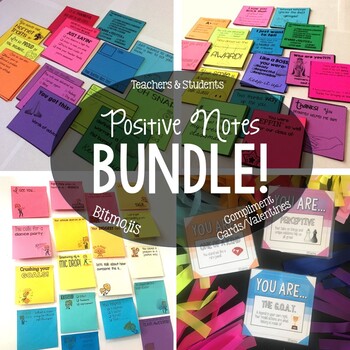
- Send Positive Notes – use a Bitmoji, printed notes, or just screenshot and type on these type of notes to still connect with students who are not close by!
- Prompt students with open communication and writing through a Google Classroom Announcement, “Daily Check-in.” How are students doing and what can you do to support them as an online virtual teacher.

- Get Yard Signs or print the same signs as POSTCARDS for students – communication can be email, phone calls, or mail even! What works best or what can you to show student connection during this time?!
- Challenge students to get outside – take pictures of reading, animals, plants, life cycles, number of petals and relate to content they know!

- Use Jokes to help students stay engaged in practicing content. I especially love using jokes when studying quotation marks!

- Build something together – even virtually! Grab some clipart and build a tower, wings, quilt and collaborate on something beautiful for your class. Make it a new backdrop for your Google Classroom

- Take this time to learn more about each other! With an already Digital Distance Learning Get to know you activity – iPad Intro or something similar, you can build on your already strong relationships!
- Make up Awards for each other! Best Distance Learner, Self-Motivator…use this Emoji Hashtag Awards to get your brain thinking!

- Set important goals for online learning. If students are new to digital learning this is even more important. Use Goal Getter templates as prompts for students. **Goals do not HAVE to be curriculum focused** what is something new they want to learn? What can they improve?

- Learn something new together – drawing, coding, a skill…model for students and incorporate into review or practice. I love Art for Kids Hub for drawing videos!
- Play Games- Rock, paper, scissors tournament, charades, green glass door…
- Secret Signals– use new signs or old ones still in a virtual classroom. Bathroom? Drink? quick break? What are the norms and what can we do together so we are still understanding? Like your own secret classroom code!
- Hold a Virtual Talent Show for students to show off what they have learned or from home that you don’t get to see!

*Remember* You were probably thrown into this….LIKE right into this. This is new territory for you and students and viewed as a growth opportunity (lots of mistakes!) it will get better. The goal and focus is ALWAYS students and not mastering new content in a forced distance learning environment. Give yourself grace – add in pieces to help your students if you feel comfortable – very slowly!

8 Comments
Leave a Comment

What your Literacy Block is MISSING!
A listening center is crucial for any reading block. Starting out teaching I felt…

Goal Getters – goal setting display idea
I saw this great Goal Getter display by Lessons with Laughter and knew that I…

Open House – Meet the Teacher
Well today’s the day….Meet the Teacher and we start on Thursday. I’m so glad to…
Classroom Reveal – Take a Peek inside
I’m so excited to do an official classroom reveal! Last year I was on a…

What should you have in a Kindergarten Writing Center that works ALL YEAR?
My kindergarten writing center setup was SO EASY to get organized and maintain ALL. YEAR.…
Every Kindergarten App you could need!
Do you ever wish you had all the apps you need all in one place?…
Hi Amber! I would love to see the FREE Distance Learning Engagement. I have signed up with two different emails, but haven’t received a copy. Are you still sharing?
Candy,
Thanks for letting me know! What is your email? I’ll make sure you are added to get your distance learning engagement calendar.
This is such a helpful and jam-packed post. Thank you so much- this saved me!
Hello,
I have signed up multiples times for the calendar but I have not received it yet. Can you please E-mail me a copy?
crkrilich@cps.edu
Christine- thanks for letting me know about your distance learning calendar not being sent. I sent you an email!
Hello! I too have not received my distance learning calendar. I enterd the email address khearne@jcsc.org to receive it. If you get time, can you check into it or send it to me? Thank you so much and thank you for all the activities you’ve shared with us to use with our students.
KH
Love all the ideas 😍… I had the same problem… can you send it to me, please 🙏🏽? My email is mfcg14@hotmail.com
Thanks! 🤗
It’s in your inbox! I finally figured what switch I needed to flip and why it wasn’t going through to each person. Can’t wait for you to try some of these ideas with your students.