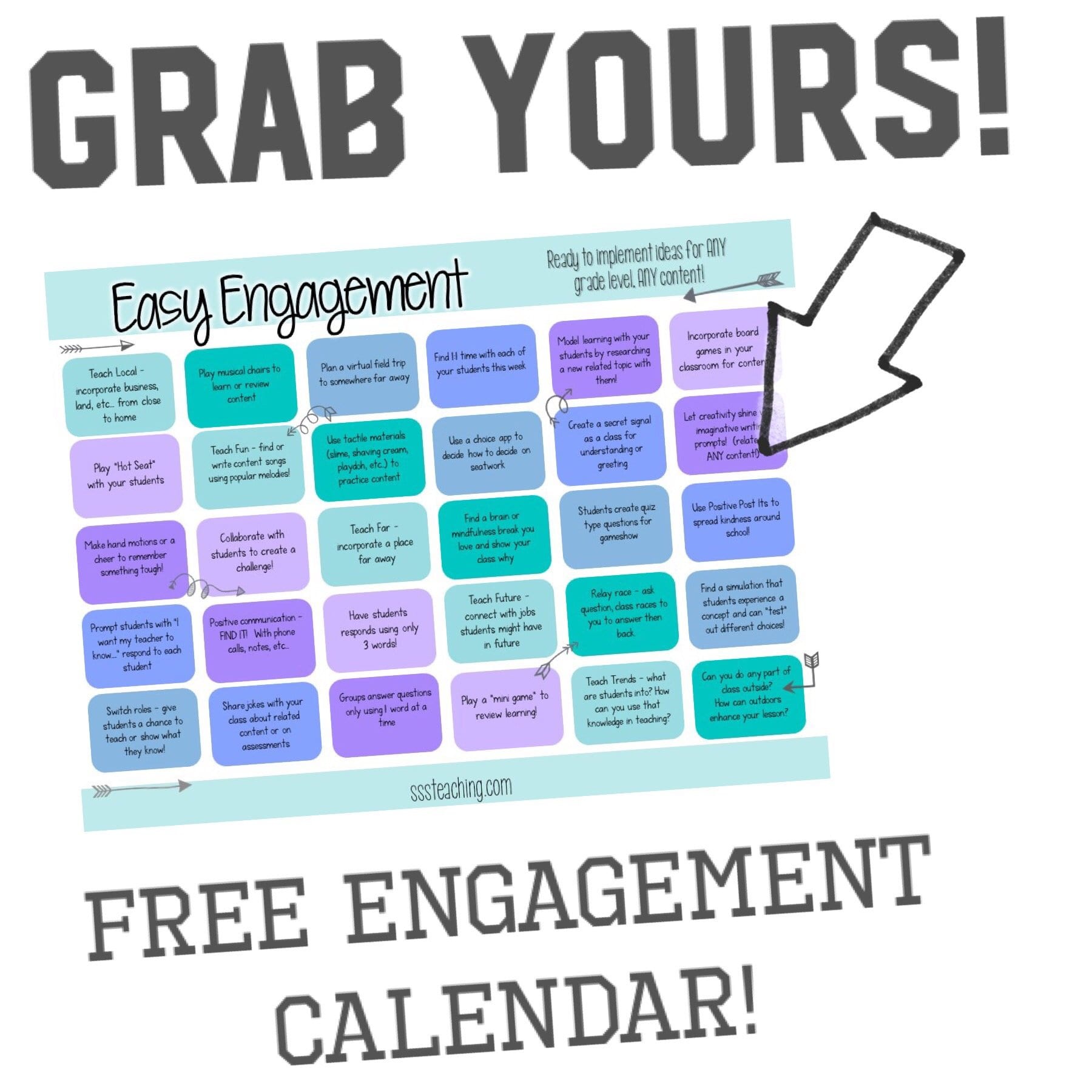
This one easy change will skyrocket your Pinterest views for FREE
We break the regular teacher blogging for this awesome FREE Pinterest hack.

If I said your Pinterest views would skyrocket with this one click and it’s FREE would you do it??
I’ve preached about this but want to give you the extra insight into how to get traction and increase your Pinterest views and it’s FREE!
So I’m nervous to show you, because I’m not one of those bloggers. I’m just especially not one of those bloggers but this Pinterest hack with increase your Pinterest views no question.
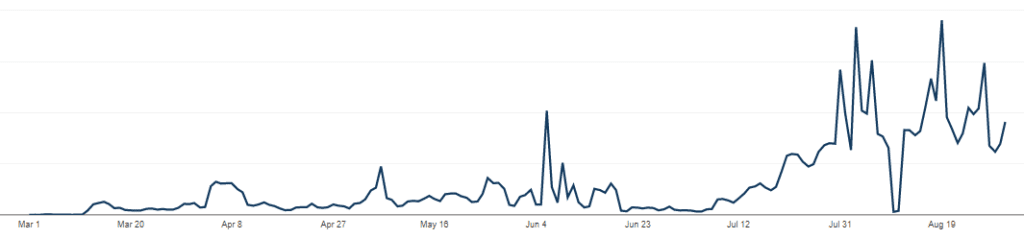
I’ve had explosive Pinterest video growth with this hack. These are my actual video views from March to September 2020. Granted, back to school is always a little more but trust me – this knocked it out of the park.
How to increase Pinterest video views with one click?
Yes you read that right, all it takes is one click ….the answer to your video content creation problems!
First- you need to be using Canva. I could go on and on about it but I use it daily. It’s free and with a few templates I have ready to go graphics for any post!
You can even use this special link to try Canva Pro for free for one month. You don’t NEED it for this Canva Pinterest hack BUT I will say the photo selection alone is worth it!
Seriously – having picture options not just generic ones makes your Pinterest pins stand out.
So now that you have Canva (especially the Pro version!) go to a Pin you have already created or make a new one.
Here’s one of mine below…see the “tumble” that is highlighted….Click and see the ANIMATION OPTIONS!
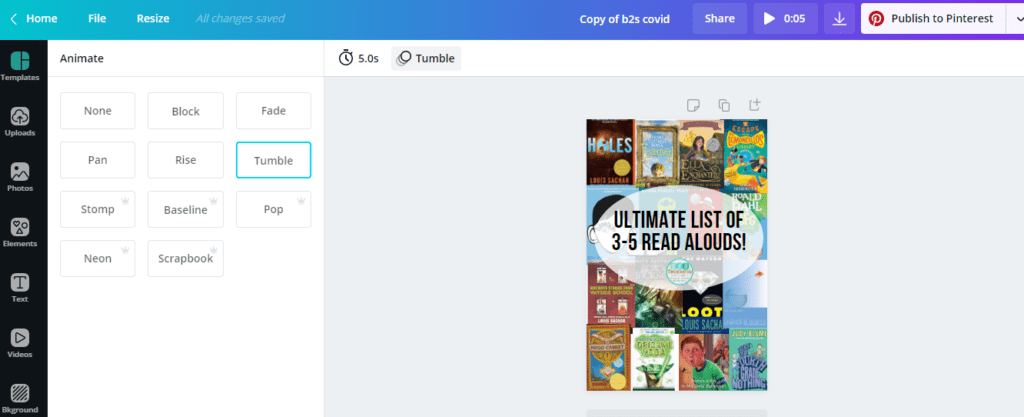
You can choose timing and HOW to animate your Pinterest pins in one click!

Download as an .mp4 video!
I love the Pro options for animation – another reason to love Canva!
Video Pinterest Pin Hack
We know that Pinterest loves NEW and video pins. (right now ….anyway) This one click FREE Pinterest hack
You have videos like this one…that were ALREADY pins and with ONE CLICK boom you have a video pin ready!
Next – schedule out those Pins.
I use Tailwind (You can grab a FREE month here!) and get these scheduled on boards.
I love Tailwind because I can schedule WAY in advance, they stay on top of the algorithm AND
Now you can schedule Instagram EASILY for videos like this as well!
Why should you use this FREE Pinterest Video pins hack
I hate duplicating work. If I have pins already – I just animate with ONE BUTTON in the beloved Canva and schedule out in Tailwind.
This saves so much time!
It is incredibly easy and
It makes such a differnce with ready to go video content – for IG stories, Reels, Pinterest and more!
FREE to do (but the Pro version is worth its weight in gold…..coming from the person who revolts shucking out any $$)
I hope you love this FREE Pinterest video Hack. Comment if you want some other edupreneur ideas, teacher hustle hacks and more.



Positive Notes – Building Classroom Community!
This year I knew I wanted to start focused morning meetings with my students. Once…

Top 3 – A First Day of School Post for Upper Elementary
How to have the best first day and set the tone for the rest of…

Emoji Intro Back to School Activity!
A back to school activity can be so tricky to come up with. Yes…you might…

10 Easy Stations for Building Circuits!
Before moving to the older grades I was petrified of teaching electricity and circuits…